CS2 crosshair styles: every style, new settings and share codes
The Counter-Strike 2 crosshair system was rebuilt in September 2026. Here are the styles, the pixel-based settings, outlines and the new share code format.
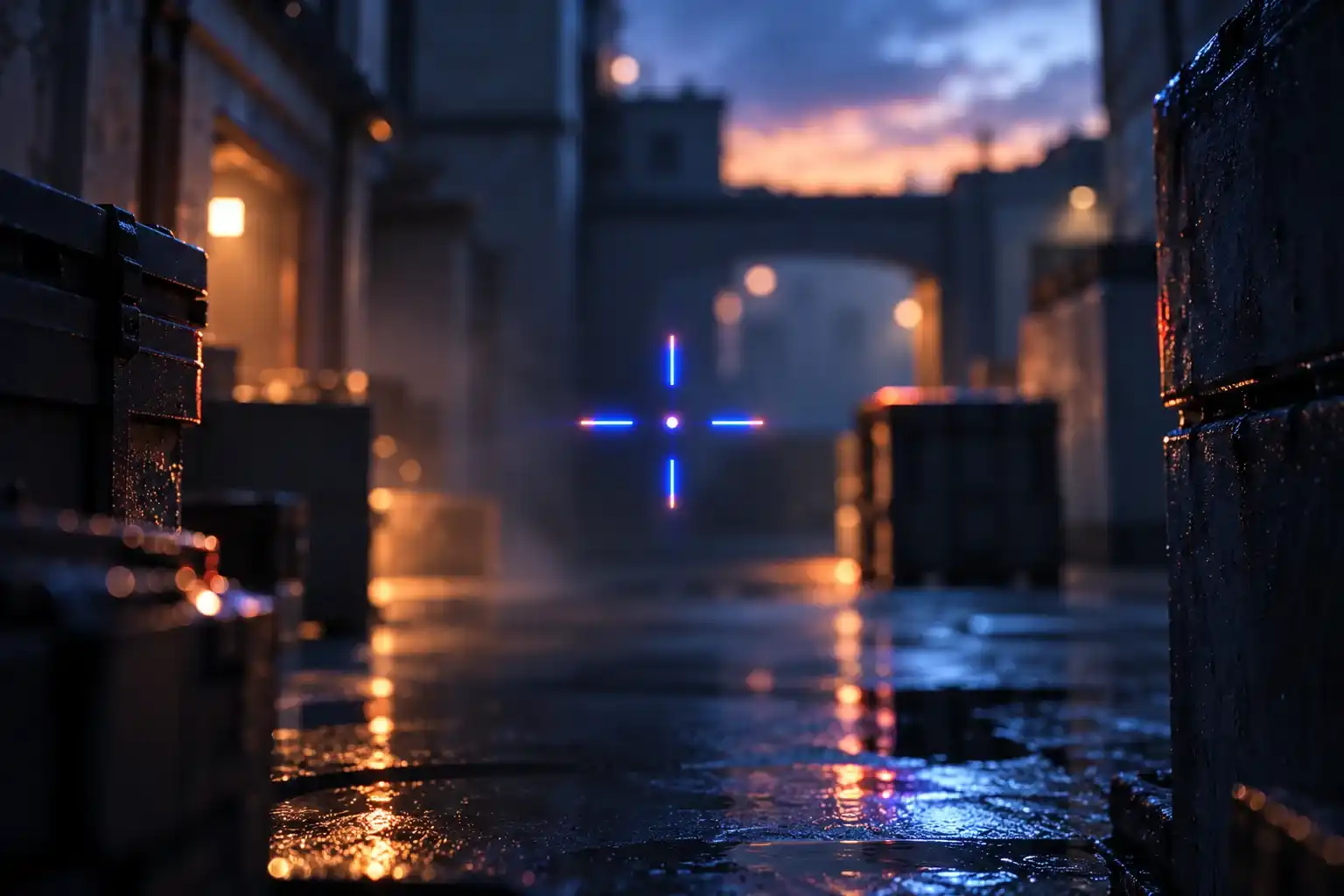
Counter-Strike 2 got a rebuilt crosshair system in three updates, on Sept. 22, Sept. 23 and Sept. 30, 2026. This guide covers the styles, the new settings and the new share code format as of the Oct. 2, 2026 update.
Valve wrote that crosshairs have gotten “a significant upgrade with new shapes and other features.” Crosshairs are now resolution independent, sizes are set in pixels and the default style has changed.
What changed, update by update
| Update | Crosshair changes |
|---|---|
| Sept. 22 | Crosshairs became resolution independent. A “Crosshair/Scopes” tab was added to Settings. New styles were added. The default became “Dynamic Quad.” |
| Sept. 23 | Valve explained the pixel units of the new system. Half-outlines were added, along with a static square style. The minimum dynamic spread distance was reduced to 64 pixels. A bug that ignored a gap of 0 was fixed. |
| Sept. 30 | Outline color option, “Static Quadrant” style, negative gaps for the classic dynamic style, grenade crosshairs in freeze time and a new share code format. |
| Oct. 2 | Fixed grenade crosshair rendering at a thickness of 3 pixels. Workshop convar whitelist updated with the new settings. |
Where to find the settings
Open the Settings menu and choose the new Crosshair/Scopes tab. It holds the updated crosshair settings, and Valve’s Sept. 22 post points players there to build a custom crosshair.
The style is also stored in the cl_crosshairstyle console variable (ConVar), which takes a number. This list comes from that ConVar’s help text, as documented in the csgo-sharecode library by akiver.
Crosshair styles
cl_crosshairstyle |
Style | Notes |
|---|---|---|
| 0 | Dynamic Cross | |
| 1 | Dynamic Circle | |
| 2 | Dynamic Cross (Legacy) | |
| 3 | Static Circle | |
| 4 | Static Cross | |
| 5 | Static Cross (Shot Feedback) | |
| 6 | Dot Only | |
| 7 | Dynamic Quad | Default since the Sept. 22, 2026 update |
| 8 | Static Square | Added in the Sept. 23 update |
| 9 | Static Quad | Added Sept. 30; Valve’s patch notes call it “Static Quadrant” |
Valve’s Sept. 22 notes say new styles were added but do not list them. Valve wrote that the new default, Dynamic Quad, “better represents weapon accuracy.”
Size settings are now in pixels
Thickness, length and gap are measured in pixels. Before the update, Valve wrote, the values used an arbitrary scale that was converted to pixels based on display resolution. The same value therefore produced different pixel counts at different resolutions.
Valve gave this example: for a crosshair 1 pixel wide with a bar length of 8 pixels and a gap of 4 pixels, set thickness to 1, length to 8 and gap to 4.
The new system also rescales automatically when your display resolution changes. Valve’s example: a crosshair set up at 1280x720 with a thickness of 2 pixels becomes 4 pixels at 2560x1440, so it stays proportionally the same.
The Sept. 23 update fixed a bug that prevented a gap of 0 from being respected. Negative gaps have also worked for the classic dynamic style since Sept. 30.
Dynamic styles and spread
Valve wrote that the new dynamic styles show the real weapon spread and inaccuracy. The Dynamic Spread Limit setting caps how far the crosshair spreads at maximum inaccuracy and spread.
There is also a baseline spread distance of 64 pixels, which covers the weapons with the largest spread. Valve wrote that this lets players better understand how accurate they are with the weapon they are holding. The Sept. 30 update fixed the visualization of weapon inaccuracy and spread.
For the classic dynamic style, the alpha increments changed to 0.01 on Sept. 30.
Outlines
Outlines now have three states: none, full or half. The half-outline option draws only the top-left portions of the outline.
Since Sept. 30 you can also set an outline color.
Grenade crosshairs
Since Sept. 30, grenade crosshairs work during freeze time, so you can line up insta-smokes. Hold any grenade attack button to show the crosshair.
The Oct. 2 update fixed grenade crosshair rendering when thickness is set to 3 pixels.
Scope dot
Scope dot scale and color preferences are part of the new crosshair share code. In the library’s documentation, the scale maps to the cl_ironsight_dot_scale ConVar and runs from 0.1 to 2. The game clamps the ConVar to 2.
Share codes after the Sept. 30 update
Valve changed the share code format on Sept. 30 to fit the newly included settings. The older code looked like CSGO-xxxxx-xxxxx-xxxxx-xxxxx-xxxxx.
The code CS2 produces now starts with CS, has no dashes and looks like this example from the documentation: CSvbPubOq37zTGqtsPTP5QTrp5CB4xFXiKRLfzJsm49ZRe.
The documentation lists several formats in all:
- Sizes in the two intermediate September formats (CS2 1.41.8.2 and 1.41.8.3) are whole pixels tied to the screen height the crosshair was made for. CS2 uses that height to scale the crosshair to the current resolution.
- The Sept. 30 format (CS2 1.41.8.8) adds the outline color, the scope dot preferences and the Static Quad style.
- It also allows negative gaps and finer alpha steps of 0.01.
- The documentation says the client rejects any code below version 3, and that any new format will use the new
cs2container.
Notes for tool makers
akiver’s csgo-sharecode library added support for the Sept. 30 codes in version 7.0.0 on Oct. 3, 2026. The release notes list breaking changes: version is replaced by a string called format, and the crosshair interfaces were renamed. encodeCrosshair now throws an error on an unknown format.
Valve also updated the Workshop convar whitelist with the new crosshair settings in the Oct. 2 update.
FAQ
What is the default crosshair in CS2?
Dynamic Quad, since the Sept. 22, 2026 update. Valve wrote that it “better represents weapon accuracy.”
Where are the crosshair settings in CS2?
In the Crosshair/Scopes tab of the Settings menu, added on Sept. 22, 2026.
Do old CSGO crosshair codes still work?
According to the csgo-sharecode library’s documentation, CS2 no longer accepts the old CSGO-xxxxx format on import. Codes made since the Sept. 30, 2026 update start with CS and have no dashes.
How are crosshair sizes measured now?
In pixels. Thickness, length and gap are pixel values, and the crosshair rescales automatically when your display resolution changes.
Can I change the crosshair outline color?
Yes, since the Sept. 30, 2026 update. Outlines can be off, full or half.
Sources
- Valve, Counter-Strike 2 Update (Sept. 22, 2026)
- Valve, Counter-Strike 2 Update (Sept. 23, 2026)
- Valve, Counter-Strike 2 Update (Sept. 30, 2026)
- Valve, Counter-Strike 2 Update (Oct. 2, 2026)
- Valve, Rush Hour (Sept. 22, 2026)
- akiver, csgo-sharecode (GitHub, MIT license)
- akiver, Share code byte layouts (GitHub, MIT license)
- akiver, csgo-sharecode v7.0.0 release notes (Oct. 3, 2026)